
In the User Settings window, you can configure user system settings and log out of the system.
To open the window, in the upper-right corner of the system window, click the current user’s username.
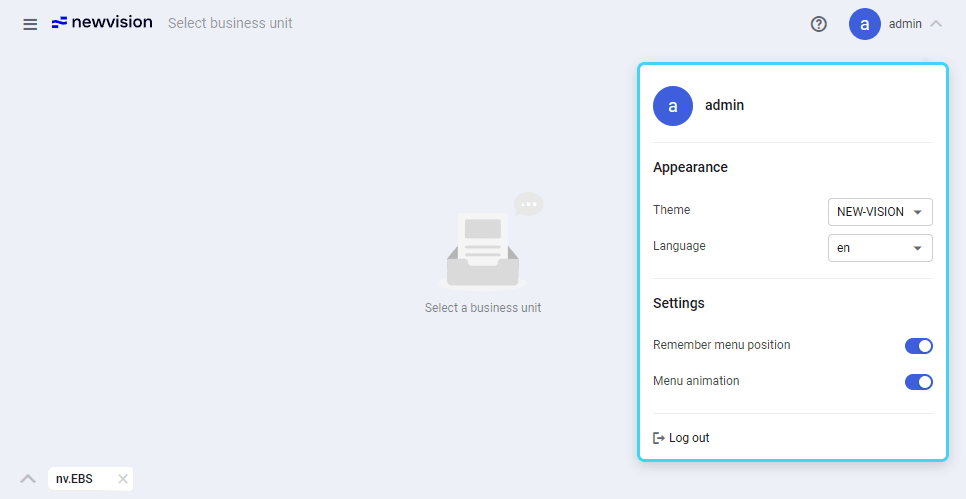
The User Settings window provides the following elements:
-
Theme: Color theme of the system interface.
-
Language: System interface language.
-
Remember menu position: If selected, the main menu opens at the position where you left off each time you access it during the current session. If cleared, the menu always opens in its default state with all lists of modules collapsed.
-
Menu animation: If selected, navigation through the main menu is smoothed with animation effects.
-
Log out: Ends your current session in the system.
If you change the theme or interface language, the system reloads automatically. Other settings are applied without reloading.