
Opening Projects
On this page
In the nv.design module, you can open an existing project from the project catalog in several ways, depending on your current stage in the module workflow:
- Upon opening the module
- While working on an existing project
Opening Existing Project Upon Opening nv.design#
 | Important |
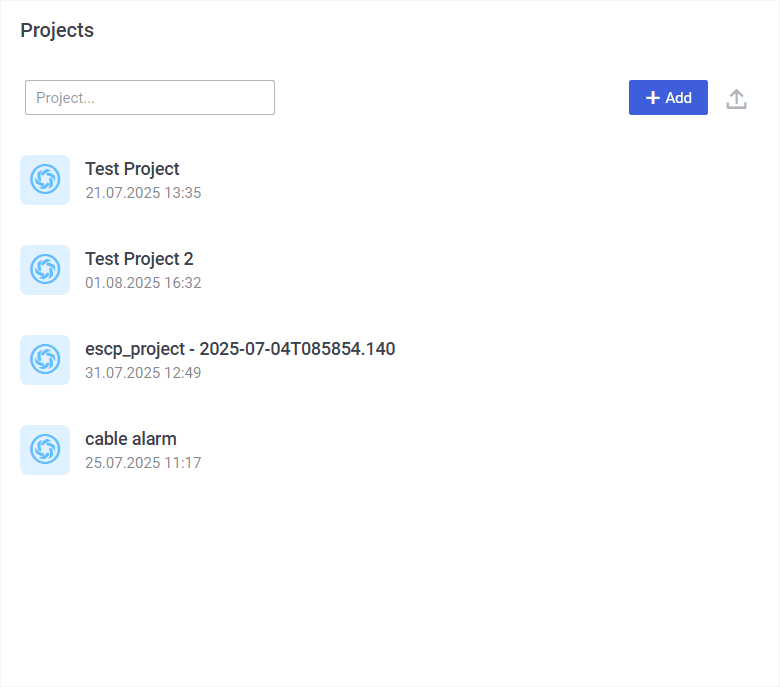
To open a project upon opening the nv.design module, perform the following actions:
- Open the nv.design module.
For details on navigation in the system, see System Interface. - In the Projects window that appears, click the name of the desired project.
 Select image to enlarge
Opening Existing Project While Working on Another Project#
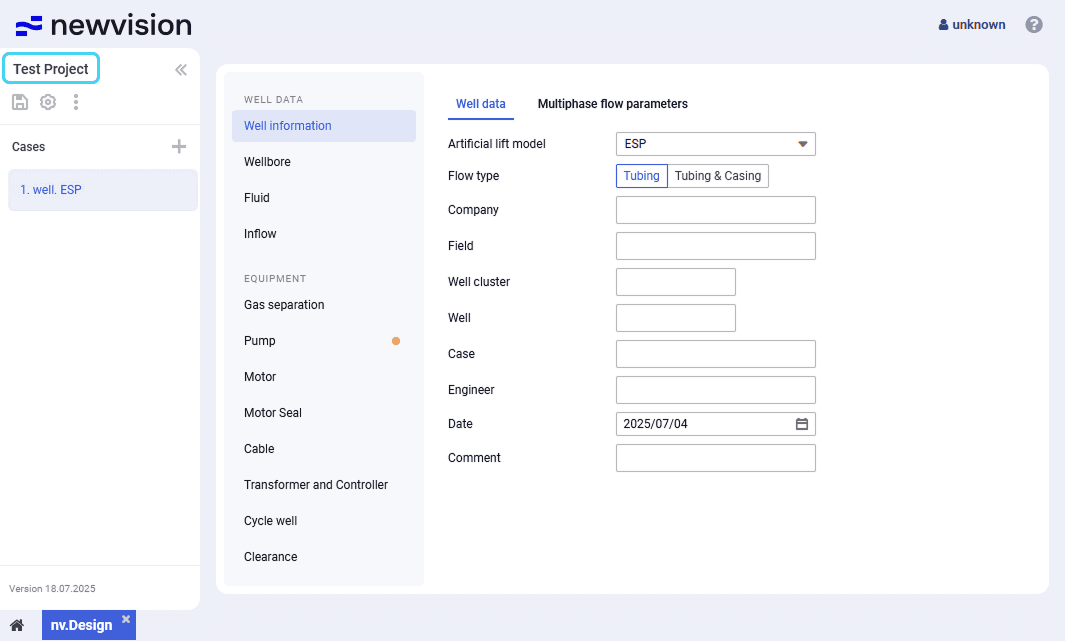
To open a project while working on another nv.design project, perform the following actions:
- In the upper-left corner of the module, click the name of the currently open project.
 Select image to enlarge
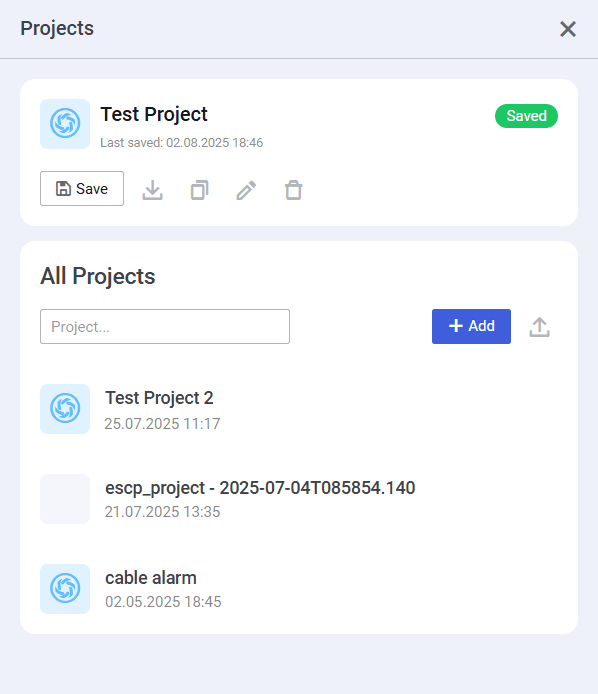
- The Projects window opens. For details, see Project Catalog.
 Select image to enlarge
- In the Projects window, under the All Projects heading, click the name of the desired project.
 | Note |