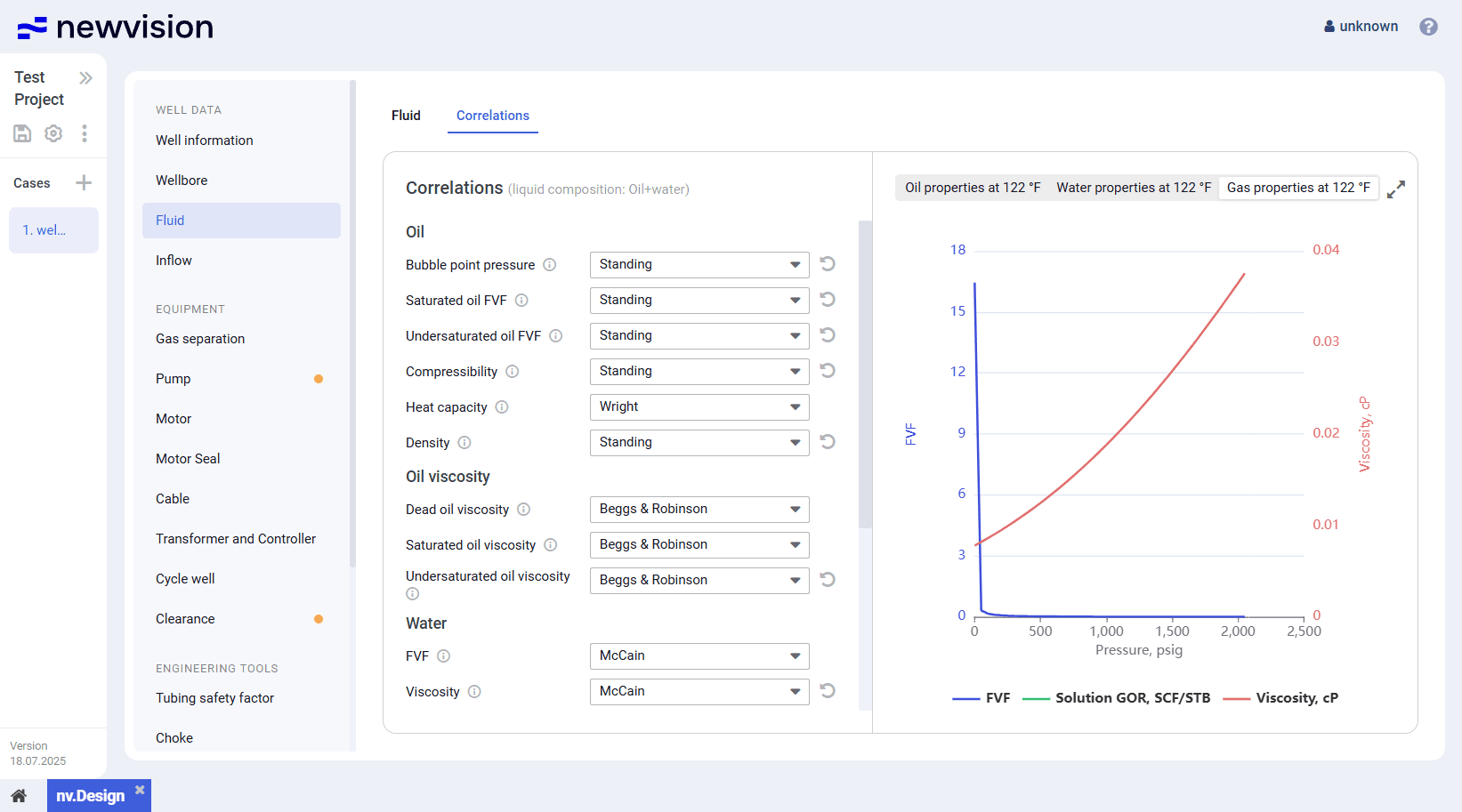
- to the newvision system by entering your login and password.

- The opens.
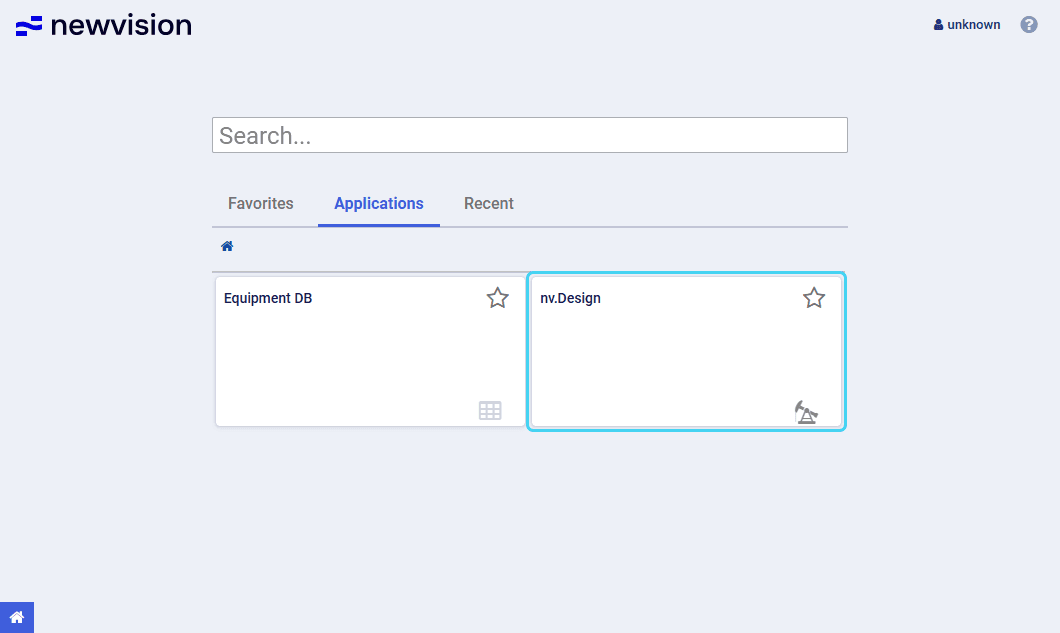
On the home page, click the nv.design module tile.
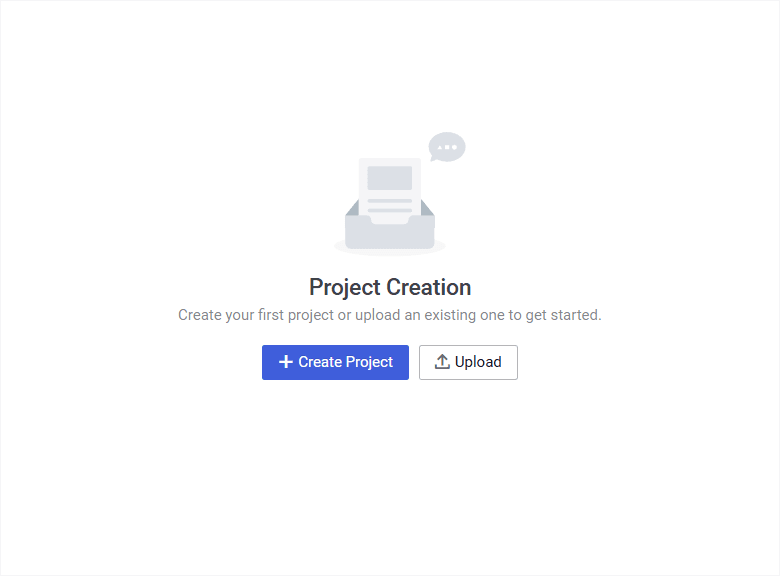
- The Project Creation window opens.
In the Project Creation window, click Create Project ( ).

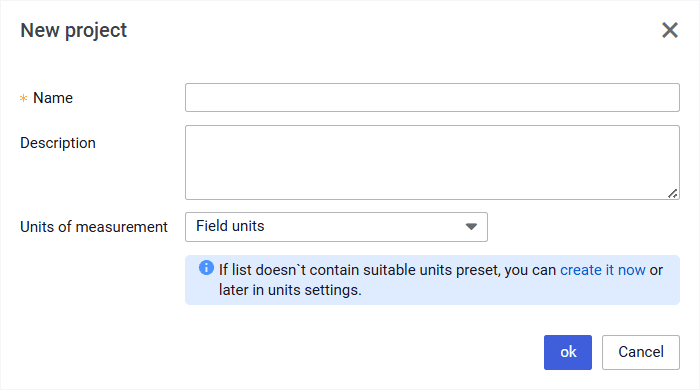
- The New project window opens.
- In the New project window, fill in the Name field, from the Units of measurement list or , and then click ok.
- The created project opens with a default case created automatically.
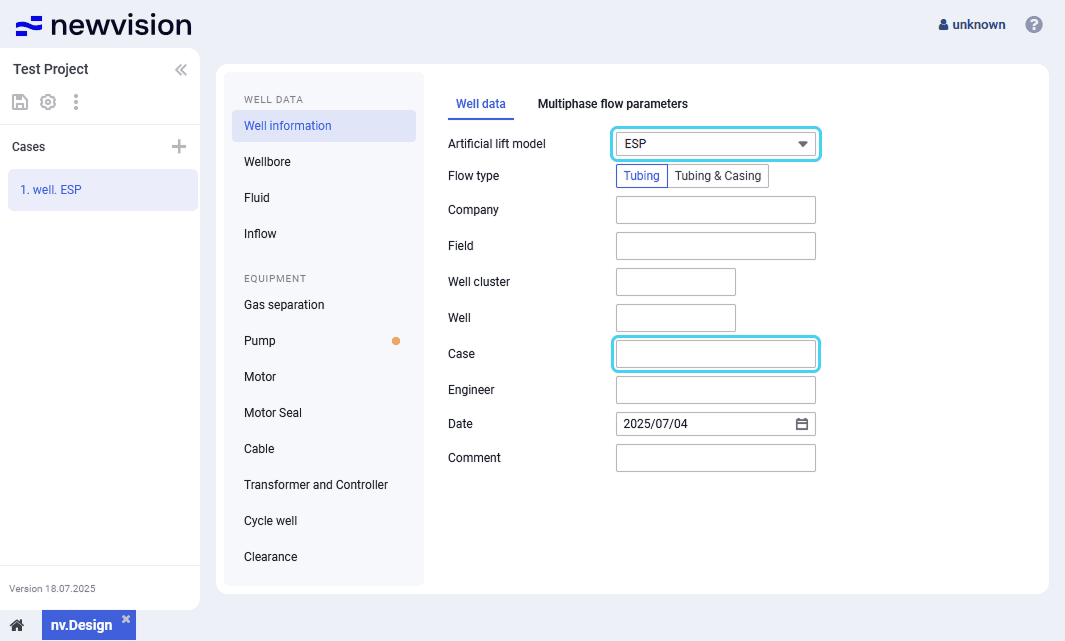
In the Well information section, on the Well data tab, from the Artificial lift model list, select ESP, and then, in the Case field, enter a name for the new case.
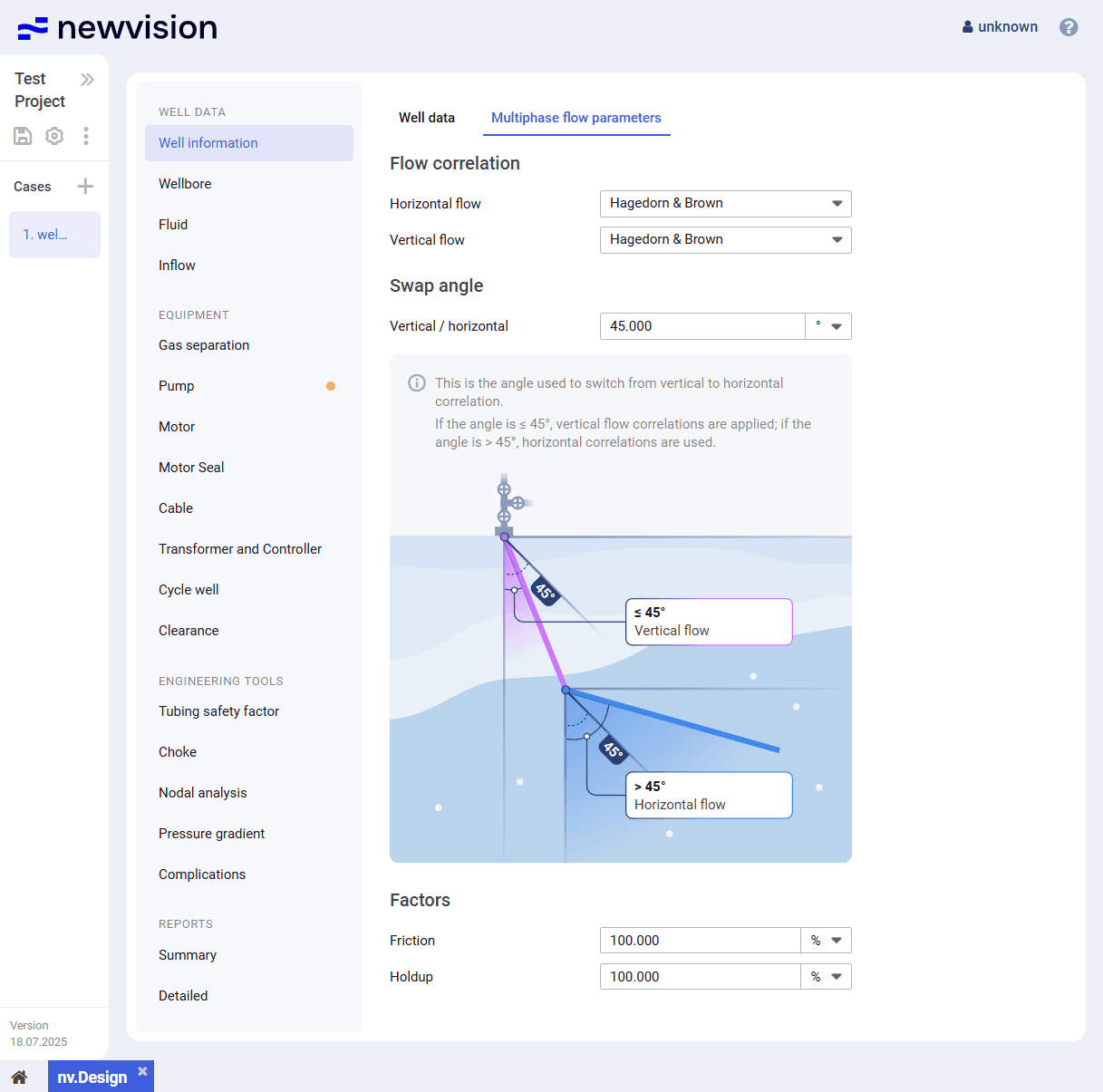
- In the Well information section, on the Multiphase flow parameters tab, select the horizontal and vertical flow correlations, and, if needed, change the transition angle and/or friction and holdup factors. For details, see Multiphase Flow Parameters.
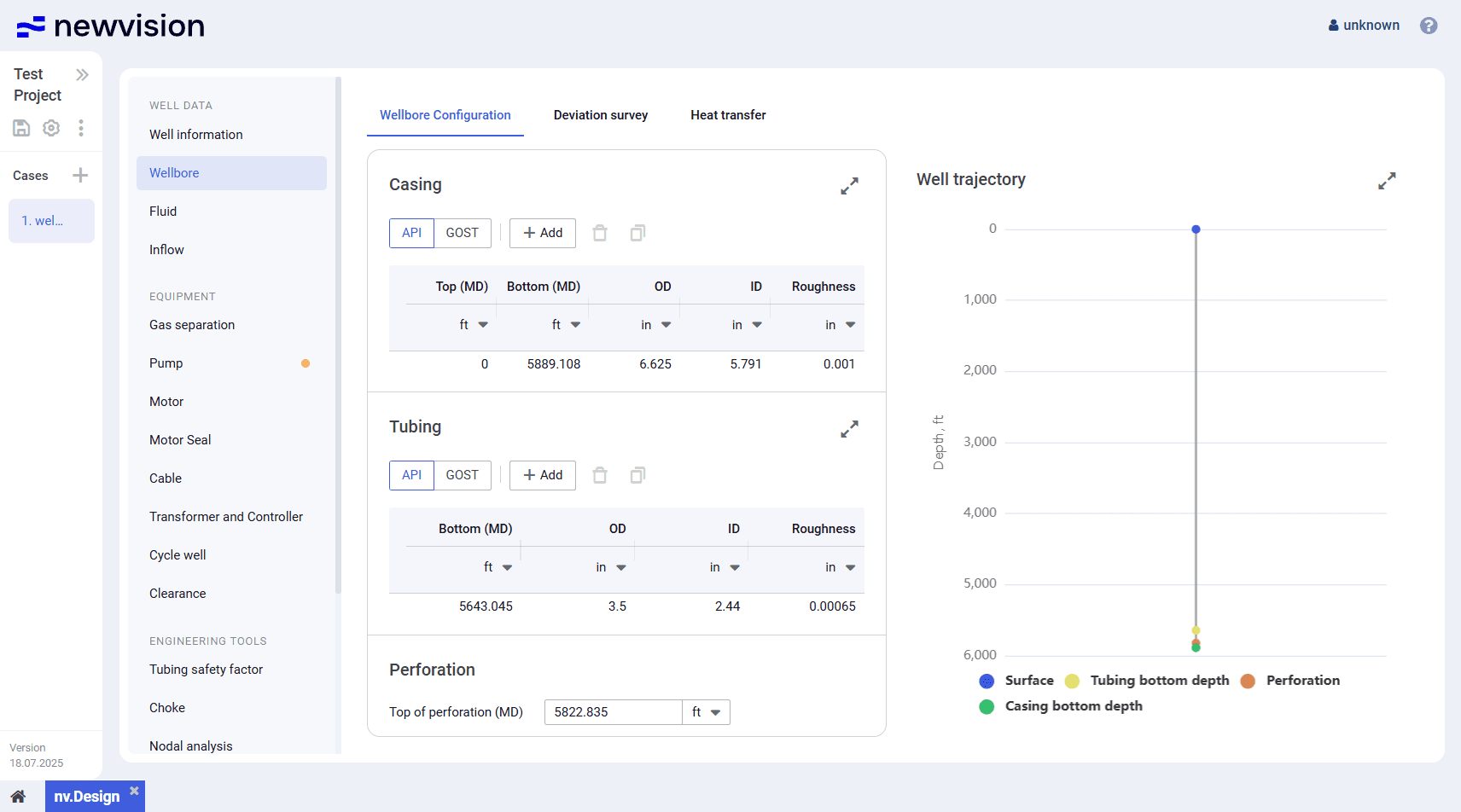
- In the Wellbore section, on the Wellbore configuration tab, and fill in the Top of perforation field.
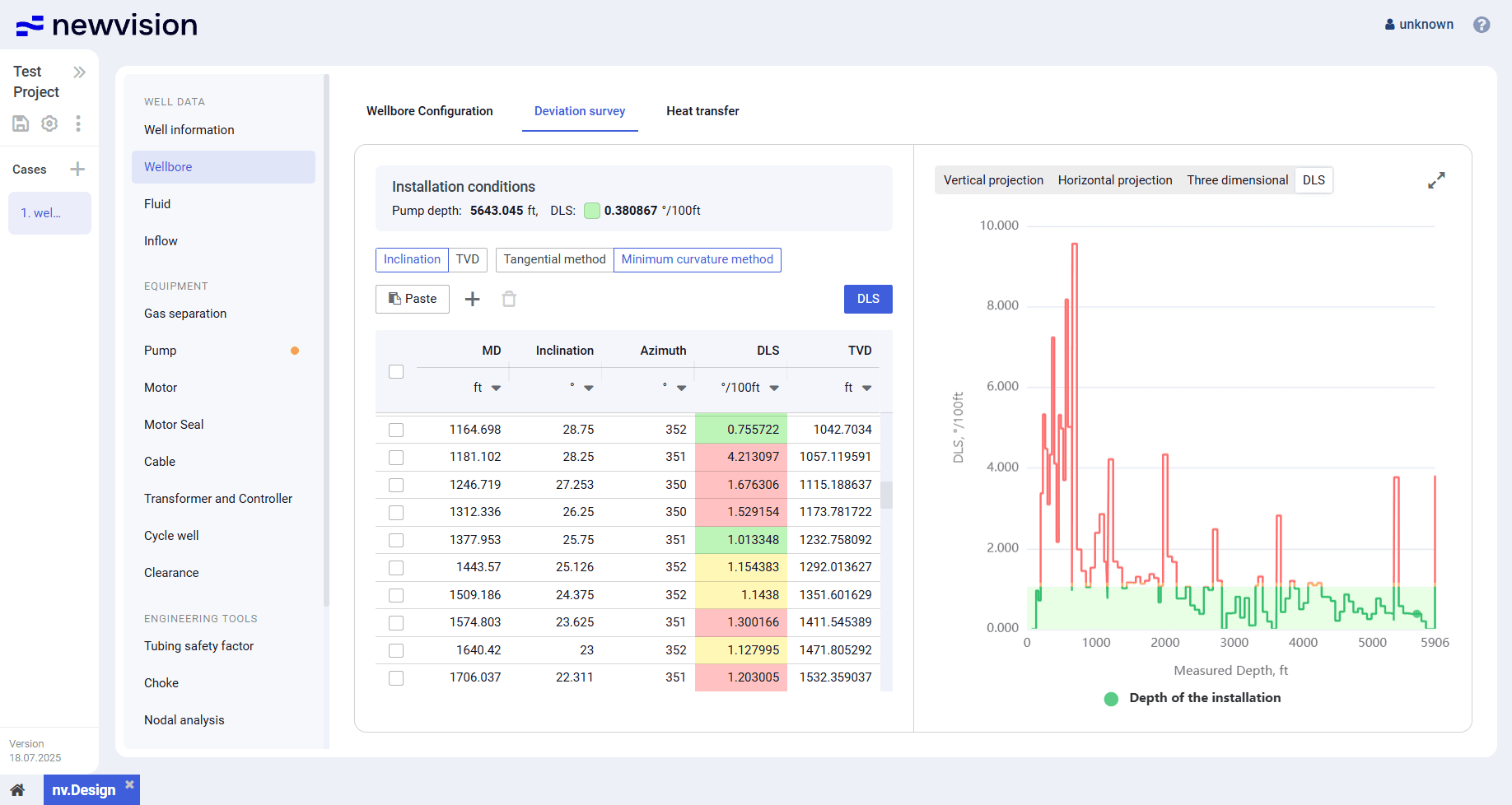
- In the Wellbore section, on the Deviation survey tab, and .
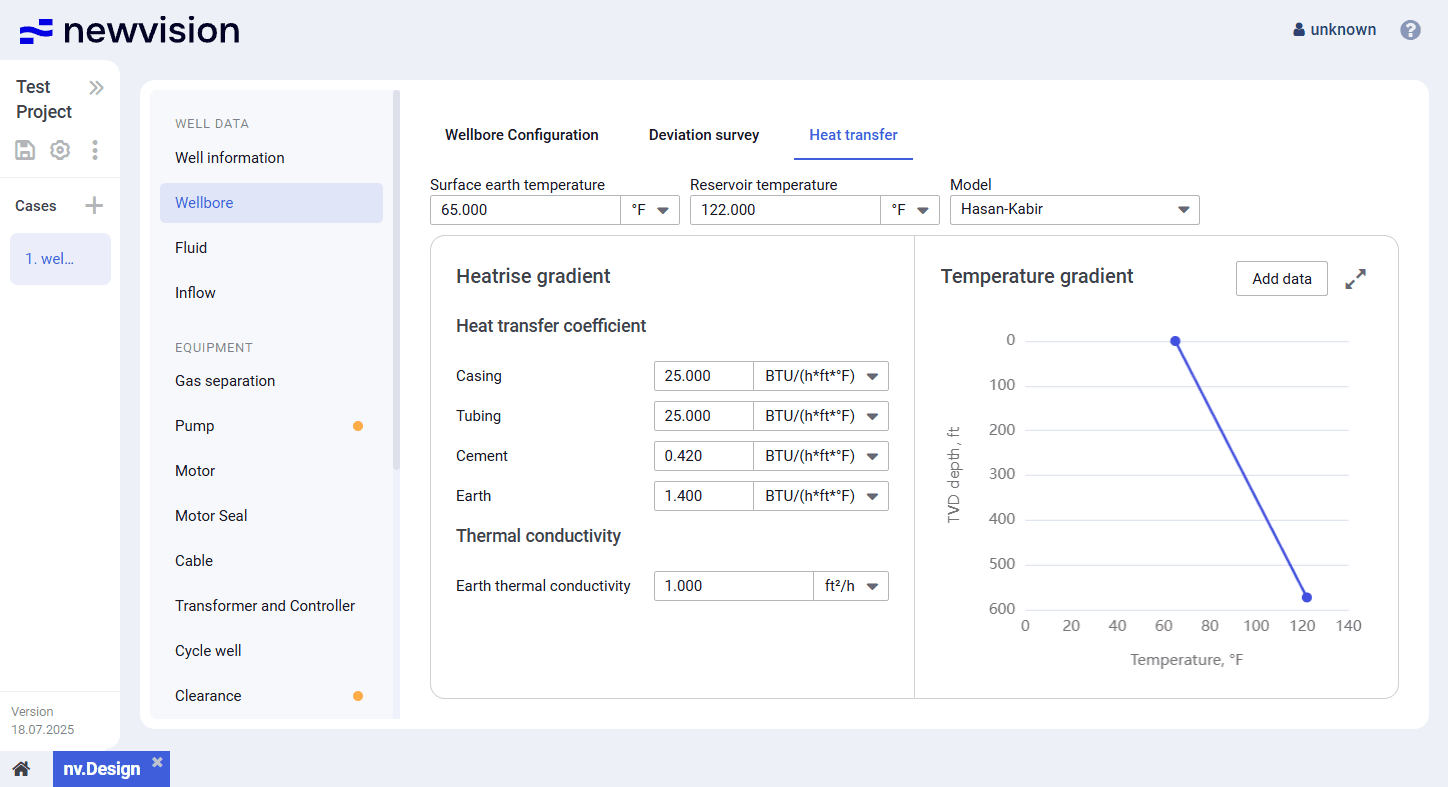
In the Wellbore section, on the Heat transfer tab, and for building the well temperature profile.
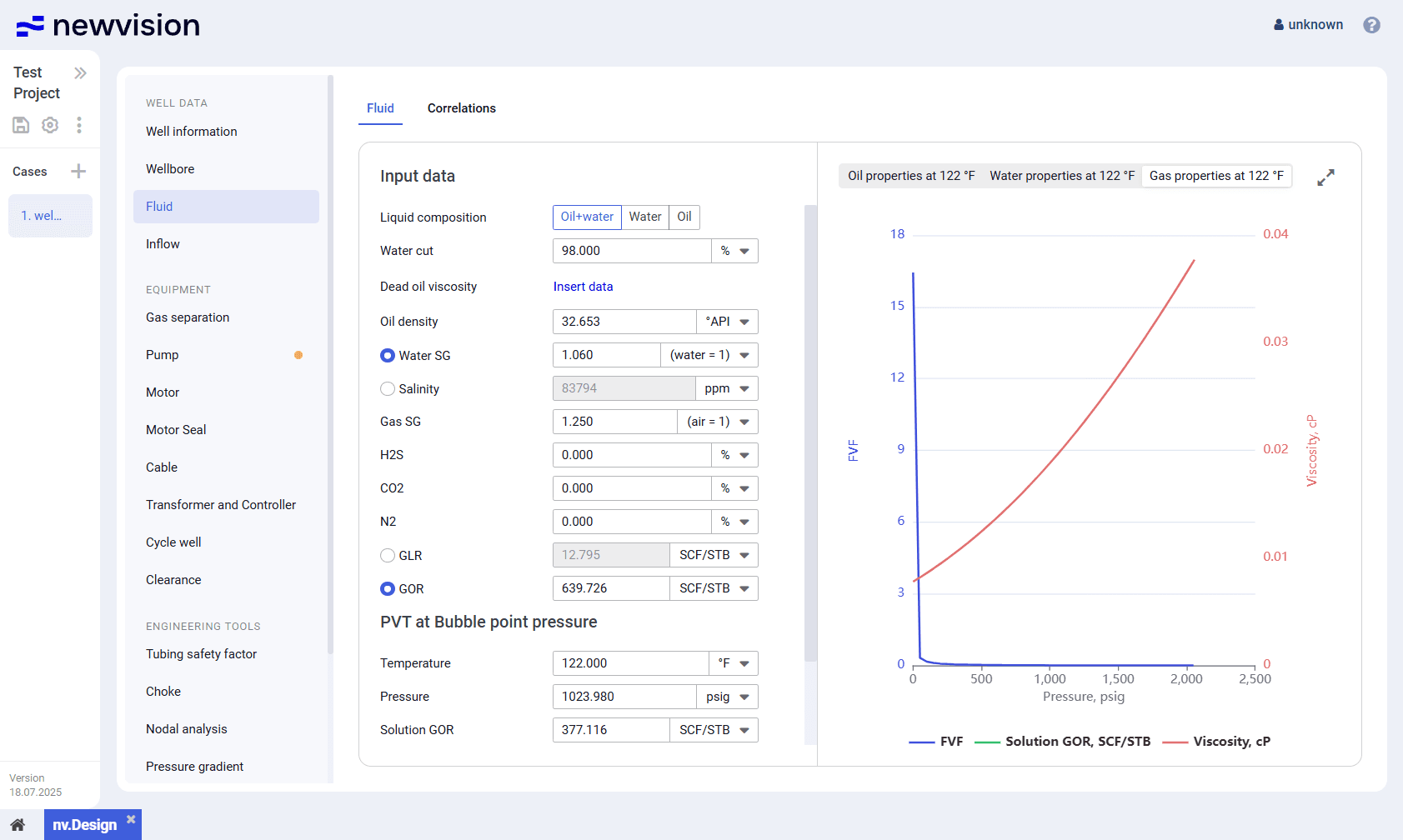
In the Fluid section, configure the well fluid PVT properties and correlations used for their calculation. For details, see Configuring Fluid PVT Properties.
In the Fluid section, on the Correlations tab, select desired correlations from the corresponding lists. For details, see Appendix A: PVT Correlations.