
In the nv.design module, you can open an existing project from the project catalog in several ways, depending on your current stage in the module workflow:
- Upon opening the module
- While working on an existing project
Opening Existing Project Upon Opening nv.design
 | Important |
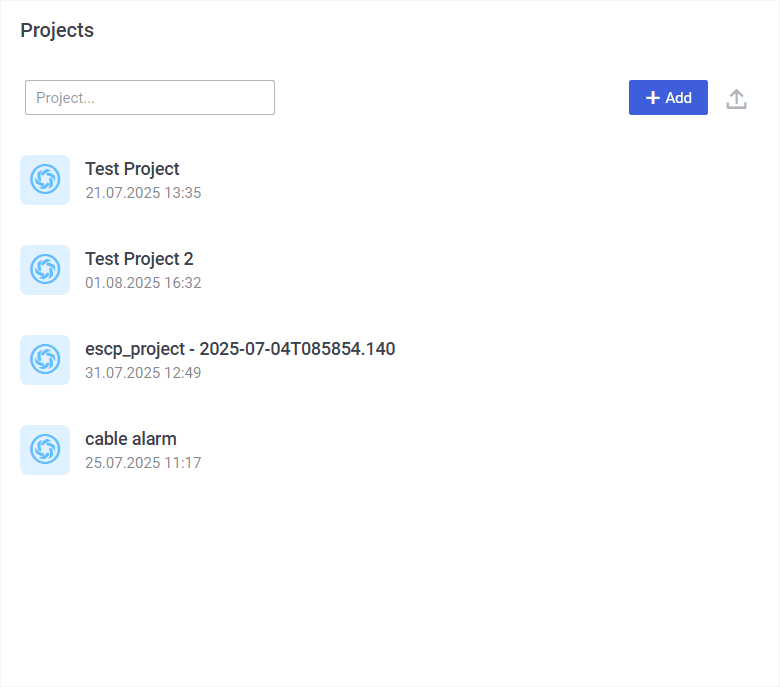
To open a project upon opening the nv.design module, perform the following actions:
- Open the nv.design module.
For details on navigation in the system, see System Interface. - In the Projects window that appears, click the name of the desired project.
Opening Existing Project While Working on Another Project
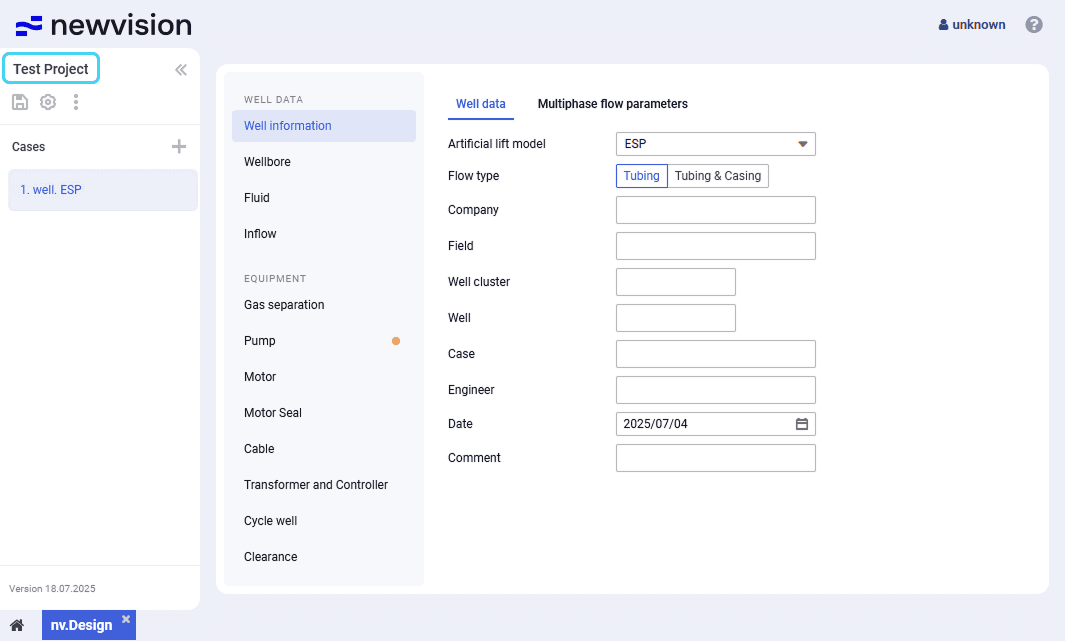
To open a project while working on another nv.design project, perform the following actions:
- In the upper-left corner of the module, click the name of the currently open project.
- The Projects window opens. For details, see Project Catalog.
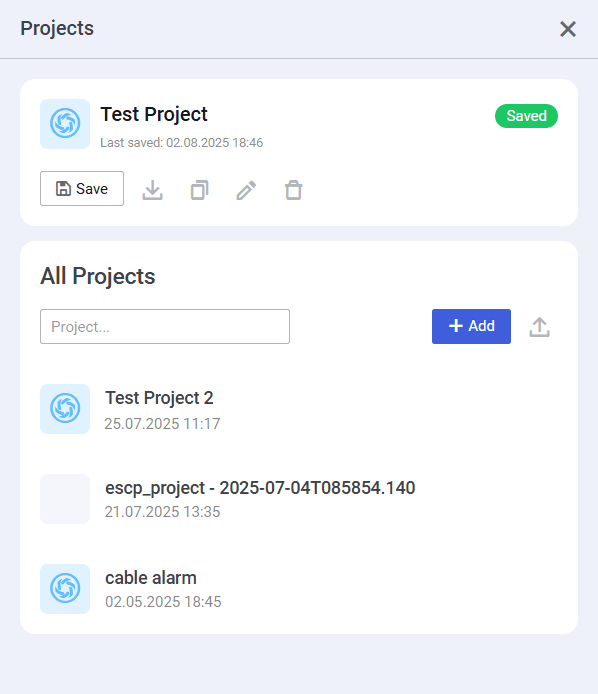
- In the Projects window, under the All Projects heading, click the name of the desired project.
 | Note |