
System Interface
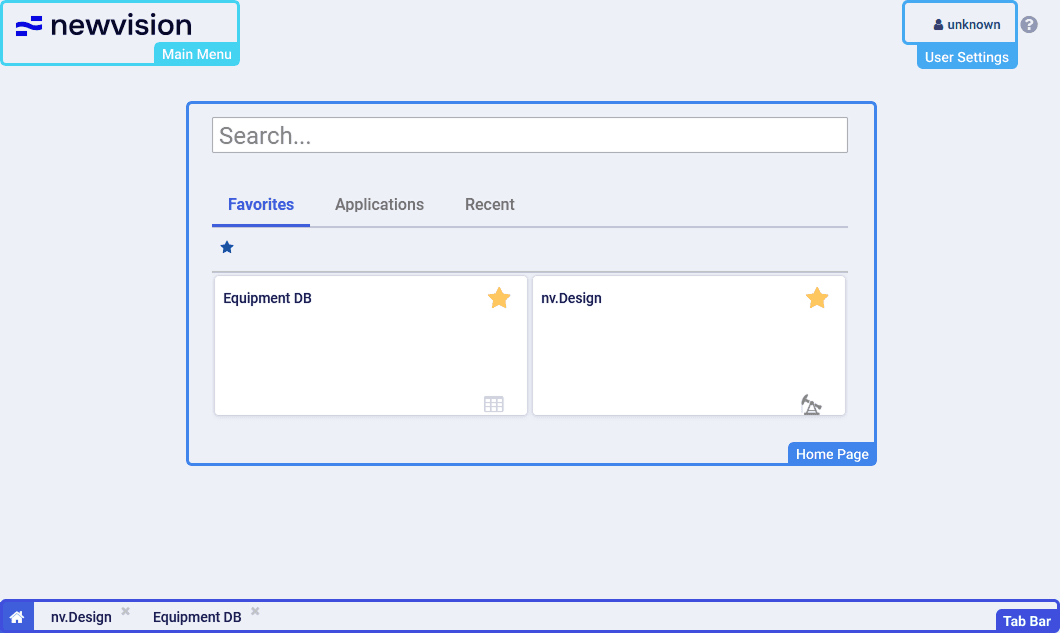
The system interface consists of the following parts:
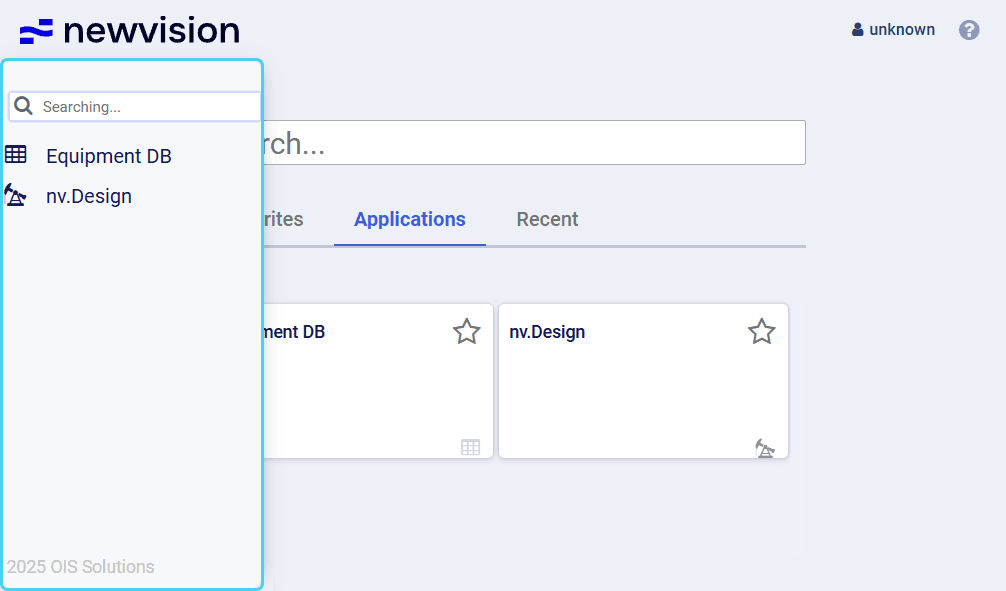
- Main menu: Opens the menu with a list of all system modules.
- User settings: Opens the menu from which you can change user settings and log out of the system. For details, see User Settings.
- Home page: Provides a list of all system modules displayed as tiles with the ability to set up quick access and view recently opened modules. For details, see Home Page.
- Tab bar: Provides a list of all currently opened modules displayed as tabs.
User guide
Software for Well and Downhole Equipment Modeling