
Well Design Parameters
Well design parameters in the nv.design module are distributed in sections that are organized in the following groups:
- Well Data
- Equipment
- Engineering Tools
- Reports
All the sections provide an error notification mechanism:
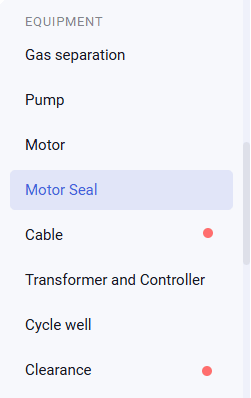
A red marker ( ) next to a section name or tab indicates that one or more values in the corresponding section or tab are incorrect. These are critical errors that must be resolved before proper well model operation is possible.

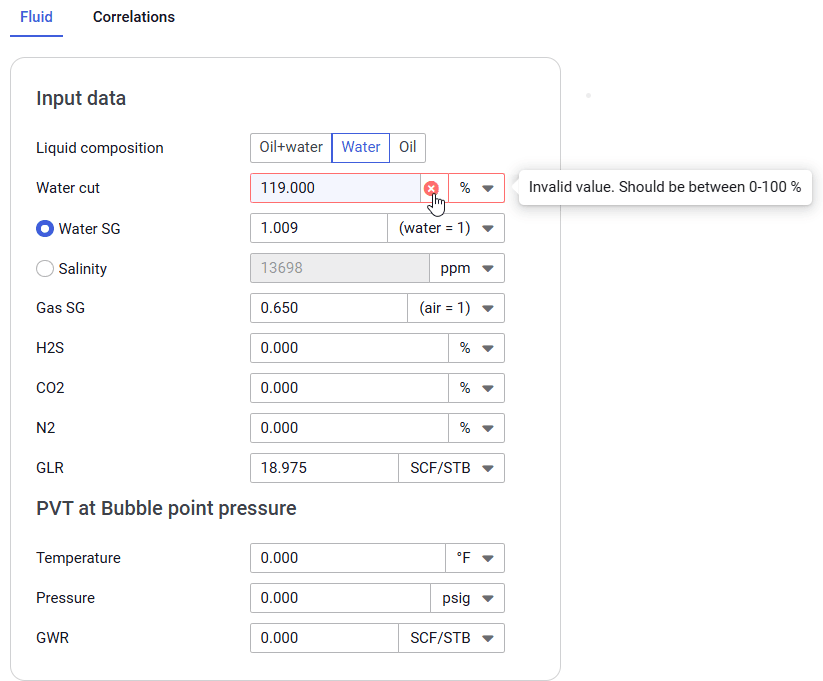
Within the section, fields containing incorrect values are highlighted with a red border and an error icon ( ). Hovering the cursor over the field displays an error message with details and recommendations for correction.

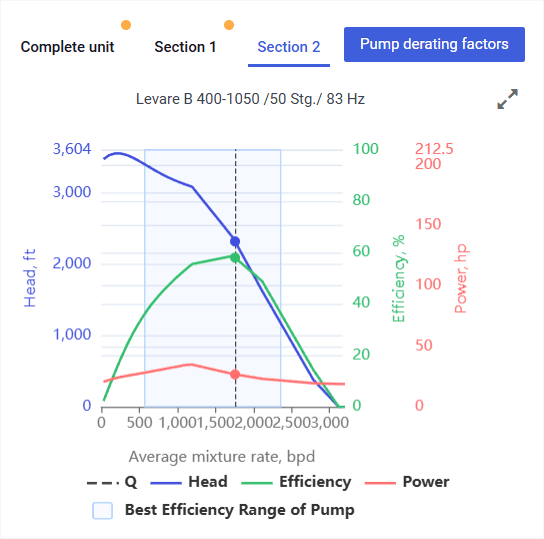
An orange marker ( ) next to a section name or tab indicates non-critical errors that should still be resolved to ensure calculation accuracy.

- In tables with calculated values, instead of a border, a cell fill of the corresponding color is used.
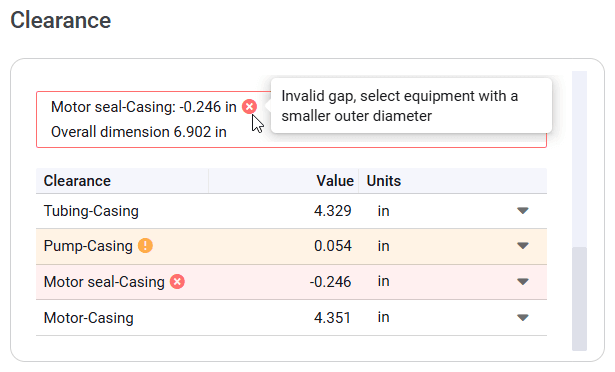
- In some tables, the text color changes instead.
User guide
Software for Well and Downhole Equipment Modeling